
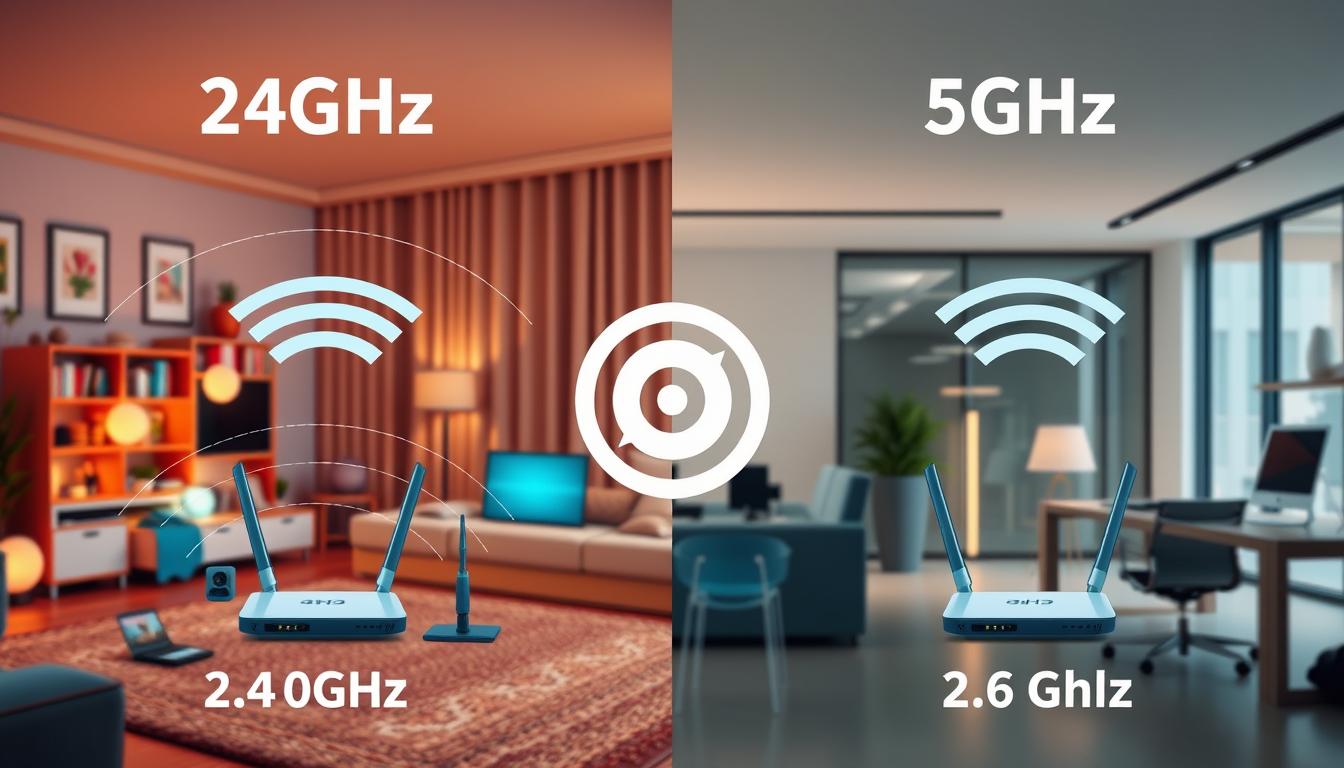
Ever thought about why picking between 2.4GHz and 5GHz WiFi matters so much? Knowing the difference between 2.4ghz and 5ghz WiFi is crucial for a better internet experience. Whether you’re just browsing or streaming a lot, the right choice can make a big difference.
Most modern routers can use both frequencies. So, you might wonder, “Should I use 2.4 or 5ghz?” It really depends on what you need. Do you want a longer range or faster speeds? Or maybe you have specific devices that work better with one frequency over the other.
In this article, we’ll explore the good and bad of each frequency. We’ll help you decide which one is best for your home.
If your WiFi keeps dropping while you test bands, use this guide: WiFi Keeps Disconnecting: Fix
Key Takeaways
- 2.4GHz offers longer range but lower speeds.
- 5GHz provides faster speeds at a shorter range.
- Choose based on device type and internet use.
- Dual-band routers allow switching between frequencies.
- Interference can affect performance at both frequencies.
- Placement of your router impacts signal quality.
The Simple Difference
Choosing between 2.4GHz and 5GHz Wi-Fi depends on their differences. They serve different needs based on range, speed, and how they handle interference. This is important for crowded channels.
Range vs Speed
The 2.4GHz band is great for covering large areas. It works well through solid objects. This makes it perfect for big homes or places with thick walls.
But, it’s slower than the 5GHz band. It’s not good for things like 4K streaming or online gaming. On the other hand, the 5GHz band is faster but has a shorter range. It’s best to stay close to the router for the best speed and quality.
Interference and Crowded Channels
Interference is a big issue with 2.4GHz. Devices like microwaves and Bluetooth can mess with your network. This can slow down your internet.
The 5GHz band has fewer problems with interference. It has more channels, which means less congestion. This makes it better for places with lots of devices, keeping your internet stable.
If your laptop is slow on WiFi while your phone is fast, your band choice can be part of the problem. Use this guide: WiFi Slow on Laptop But Fast on Phone: Fix It
When to Use 2.4GHz
Choosing the right Wi-Fi band is key to a better network experience. It’s important when dealing with home layouts and device compatibility. The 2.4GHz band has unique benefits to consider.
Far Rooms and Thick Walls
For homes with many floors or thick walls, 2.4GHz is a good pick. It covers more space well, offering strong connections in far rooms. Though it may not be as fast as 5GHz, it ensures signals don’t drop off.
For homes with many obstacles, 2.4GHz is the top choice. It keeps your network stable and reliable everywhere.
Smart Home Devices and Older Gear
Older devices, including many smart home gadgets, work best on 2.4GHz. Using this frequency helps all your devices work together smoothly. This is vital for IoT devices like smart thermostats and sensors.
These devices need less power and work well across many brands. If you’re deciding between 2.4GHz and 5GHz, older gear or many smart devices point to 2.4GHz for the best performance.
When to Use 5GHz
Choosing the right WiFi frequency can really improve your online experience. When you’re near your router, 5GHz is the top choice. It offers faster connections and better 5ghz wifi speed, perfect for tasks that need lots of bandwidth.
Close Range Fast Speed
Being close to your router shows the benefits of 5GHz. It has less latency and high data rates for smooth browsing and streaming. Downloading big files or watching 4K videos is better with this speed. It’s great for those who use lots of bandwidth.
Gaming and Streaming Near the Router
For gamers and streamers, 5GHz is the best option. It handles multiple devices streaming and gaming well, keeping connections stable. Enjoy smooth gameplay and clear video quality, even in critical game or show moments.
Quick Setup Tips
Setting up your WiFi network is more than just plugging in devices. Knowing the basics can make a big difference. It’s important to name your bands clearly and find the best spot for your router.
Name Bands Separately (Optional)
It’s a good idea to name your WiFi bands differently. This makes it easy to tell the 2.4GHz and 5GHz networks apart. Clear names help everyone choose the right network for their device and location.
Understanding the 2.4ghz vs 5ghz wifi difference helps improve your network strategy.
Best Router Placement Basics
Where you put your router is key to good WiFi. Place it in the middle of your home for the best signal. Don’t put it near walls or big electronic devices that can mess with the signal.
Try raising your router to get better coverage. This can help get rid of dead spots where the signal is weak. Following these tips will give you a strong and steady connection for all your devices.
FAQs
Q: What is the main difference between 2.4GHz and 5GHz WiFi?
A: 2.4GHz usually has better range and goes through walls better, but it is slower and more likely to face interference. 5GHz is faster and usually less crowded, but it works best when you are closer to the router.
Q: Should I use 2.4GHz or 5GHz WiFi for my home?
A: Use 2.4GHz for far rooms, thick walls, and many smart home devices. Use 5GHz when you are close to the router and want faster speed for streaming or gaming.
Q: What is the range of 5GHz WiFi?
A: 5GHz range is shorter than 2.4GHz, especially through walls. In most homes, it works best in the same room or nearby rooms, depending on walls and router placement.
Q: How fast is 2.4GHz WiFi?
A: 2.4GHz can be fast enough for browsing, email, and basic streaming, but it often slows down in crowded areas because there is more interference. Your real speed depends on your router, plan, and how busy the channel is.
Q: What is the best WiFi band for gaming?
A: 5GHz is usually better for gaming when you are near the router because it is faster and has less interference. If you are far away and the signal is weak, 2.4GHz may be more stable even if it is slower.
Q: Which WiFi band is better for walls and obstacles?
A: 2.4GHz is usually better for walls and obstacles because the signal travels farther and penetrates better than 5GHz.
Q: Can I name my WiFi bands separately for easier management?
A: Yes. Naming the bands separately helps you choose the right network on each device. For example, you can name one network “Home-2.4” and the other “Home-5G”.
Q: What is the best router placement for optimal WiFi performance?
A: Put the router in a central spot, raised off the floor, and away from thick walls and big electronics. This helps both 2.4GHz and 5GHz perform better across your home.
Q: How does interference affect my WiFi connection?
A: Interference can slow your WiFi and cause drops. 2.4GHz is more affected because many devices use it (Bluetooth, microwaves, neighboring WiFi). 5GHz usually has less interference and more channels.
Q: Should I consider the number of devices connected to my WiFi network?
A: Yes. More devices can increase congestion, especially on 2.4GHz. If many devices are online at the same time, 5GHz often stays faster, while 2.4GHz can get crowded.
Conclusion
If you want coverage in far rooms and through walls, 2.4GHz is usually the safer choice. If you want speed for gaming and streaming near the router, 5GHz is usually the better choice.
Further Reading
If one fix didn’t solve it, don’t guess. These related posts help you check the next most common cause in a sensible order:
- WiFi Connected But No Internet: Fix in 10 Minutes
- DNS Server Not Responding: Fix It Step by Step
- WiFi Slow on Laptop But Fast on Phone: Fix It (2026)
More guides for routers, speed, and stability: Wi-Fi & Networking